Journal Voucher
A journal voucher posts a manual double-entry adjustment directly to the ledger. It is the tool of last resort, and the first thing an auditor looks at.
Overview
Section titled “Overview”Use a journal voucher only for entries that no other document can produce: depreciation, provisions, reclassifications, opening balances. Anything that represents a real business event — a sale, a purchase, a receipt — should be entered through its own document so the subsidiary ledgers stay correct.
Prerequisites
Section titled “Prerequisites”Before you begin
- The party exists and is active
- The items you need exist with a unit of measure
- The financial period you are posting into is open
Opening the screen
Section titled “Opening the screen”- Accounting
- Vouchers
- Journal Voucher
Procedure
Section titled “Procedure”Open Journal Voucher
Use the navigation path above, then click New to start a fresh document.
Enter the header
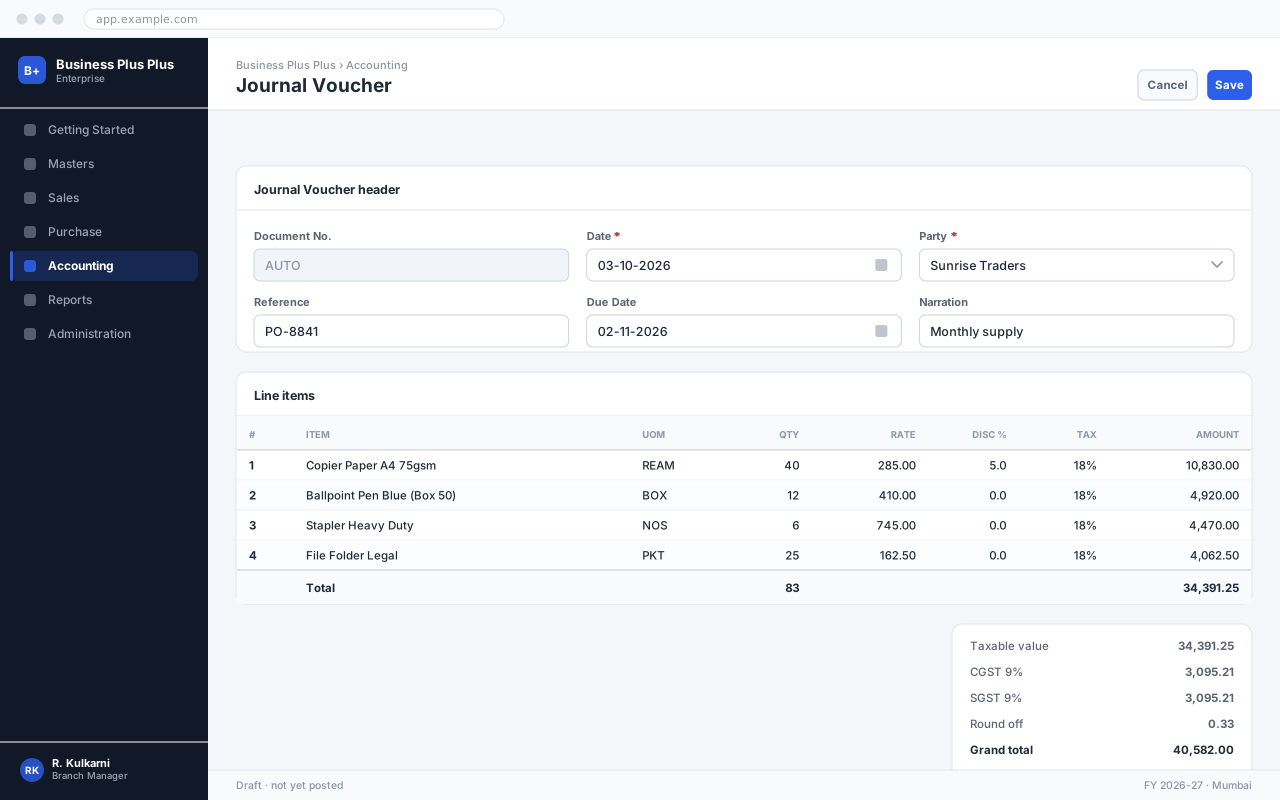
Set the date and select the party. The remaining header fields default from the party master and can be overridden.
Add the line items
Add one row per item. Rate and tax are proposed automatically; change them only if this document genuinely differs.
Check the totals
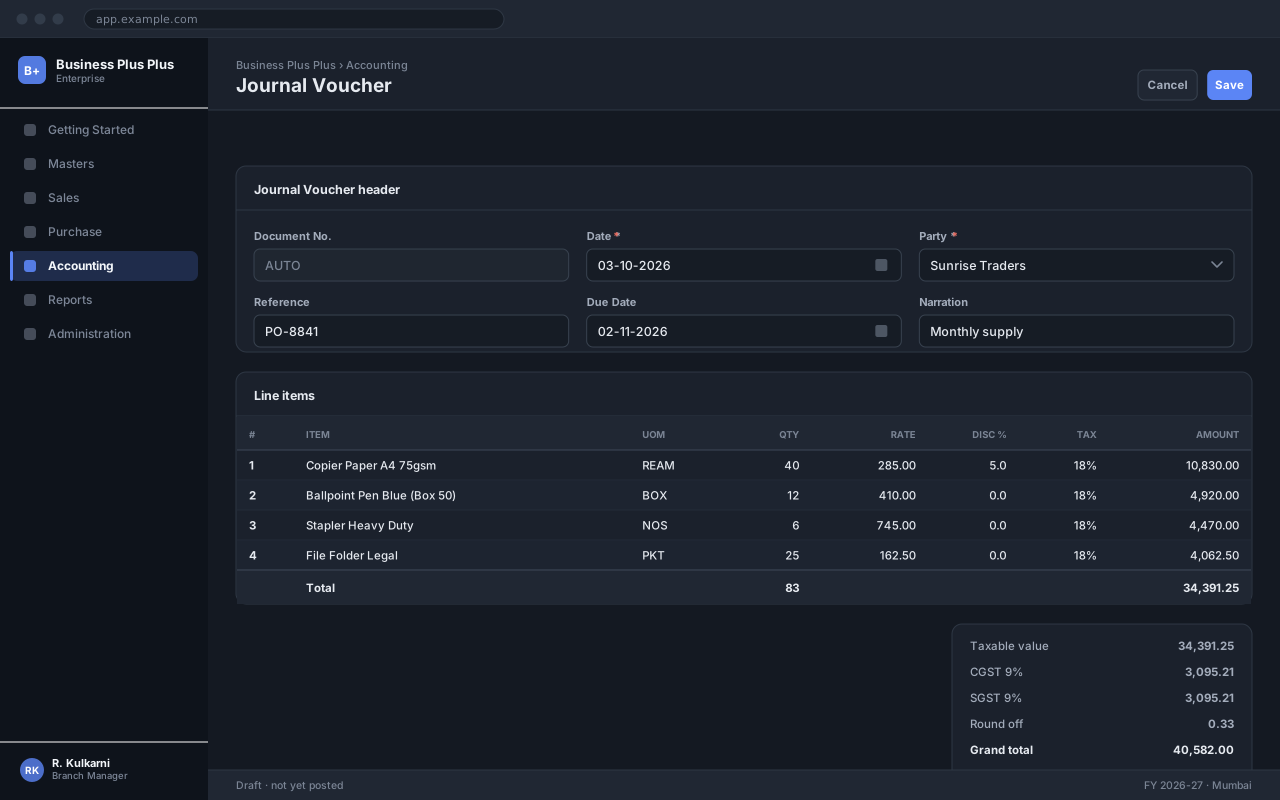
Compare the computed total against the source document before saving. The summary panel on the right breaks down taxable value, tax and the grand total.
Save and confirm
Click Save to record the document, then Confirm to post it. A saved-but-unconfirmed document has no accounting effect.
Expected result
The document is saved with a number from its series and a status of Confirmed, and appears in the journal Voucher list and the relevant reports.
Field reference
Section titled “Field reference”| Field | Type | Required | Default | Description | Notes |
|---|---|---|---|---|---|
| Voucher No. | Auto | Read-only | — | Allocated from the Journal series. | |
| Voucher Date | Date | Yes | Today | Period the entry posts into. | |
| Entries | Grid | Yes | — | One row per account, with a debit or a credit. | Debits must equal credits before the voucher can be saved. |
| Narration | Text area | Yes | — | Why this entry exists. Printed on the voucher and shown in the ledger. | Mandatory on journals specifically — an unexplained journal is an audit finding. |
| Supporting Document | File | No | — | Attach the calculation or authorisation behind the entry. |
Journal Voucher fields
Important notes
Section titled “Important notes”Common problems
Section titled “Common problems”The Save button is disabled
A required field is empty or invalid. Fields in error are outlined in red with the reason underneath — scroll up, the first error is usually in the header.
You do not have permission to perform this action
Your role is missing the relevant permission for this screen. Ask an administrator to check it against Roles & Permissions.
The period is closed
The date falls in a financial period that has been closed. Either use a date in an open period, or ask an administrator to reopen it — which affects everyone, so it is rarely the right answer.
The rate comes in as zero
No price is configured for that combination of party and item on this date. Check the applicable price list, and whether its validity window covers the document date.
Frequently asked questions
Section titled “Frequently asked questions”Why will my voucher not save?
Debits do not equal credits. The difference is shown at the foot of the grid; it is usually a transposed figure or a line entered on the wrong side.
Can I reverse a journal voucher?
Yes — open it and click Reverse. That creates a mirror-image voucher dated today, which is the correct treatment. Cancelling is only available before the period closes.
Can I post a journal into a closed period?
No. Ask an administrator to reopen the period, which affects everyone, or post the entry in the current period with a narration explaining what it relates to.